Probar for BricsCAD®

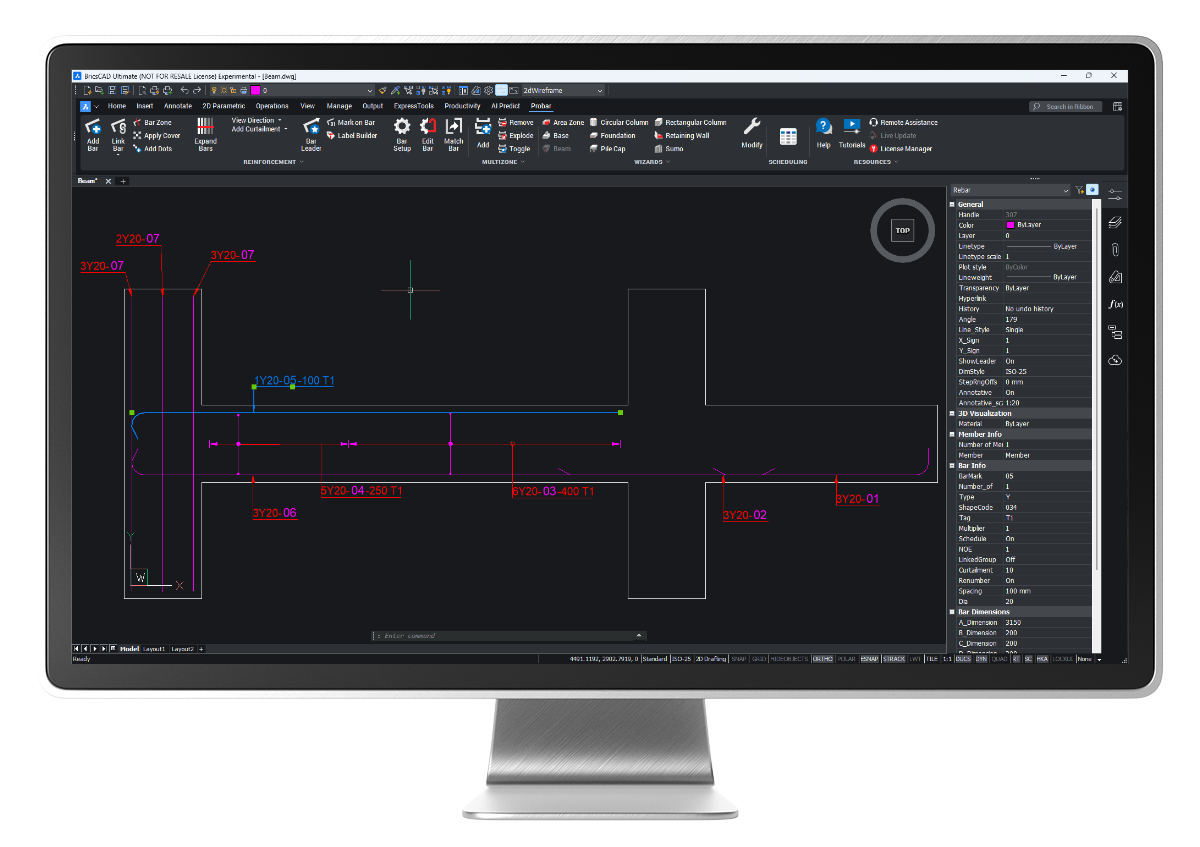
Probar is an add-in for BricsCAD® that turns it into a fully featured reinforced concrete detailing system. Probar offers similar functionality to PROKON® Padds, in the BricsCAD® environment.

Probar allows you to detail reinforcement directly in BricsCAD®. Drawings that were created in Padds can also be opened in Probar to work with bending schedules generated by the PROKON concrete design modules.

Reinforcement shape codes specified in the SA and UK detailing codes are included by default, and an easy-to-use rebar editor can be used to create custom shapes. Use multiple rebar types – single bars, bar groups, ABR (alternate reversed bars), staggered bars, stepped bars, and fanned bars – to add reinforcement to drawings.


PROKON 5.3 Probar for BricsCAD® capabilities include:

  • Detail rebar in BricsCAD®
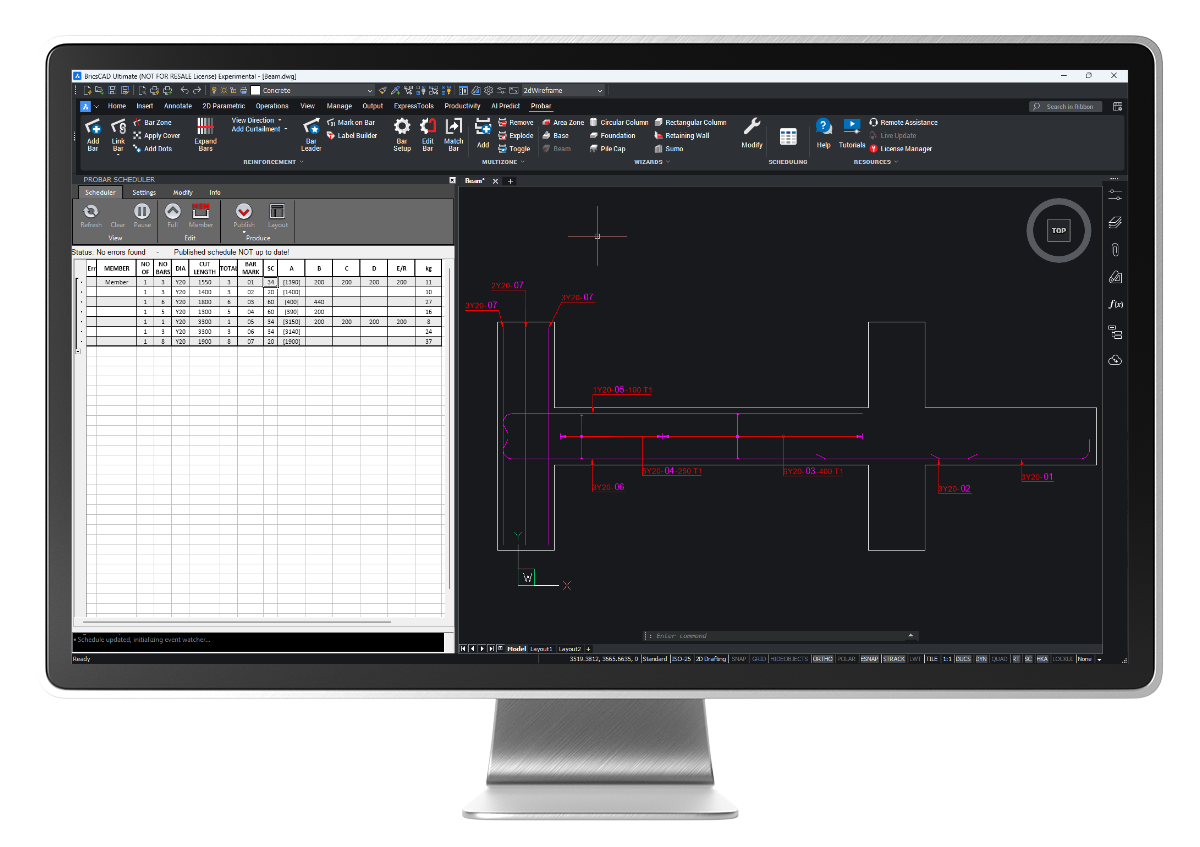
  • Automatic scheduling
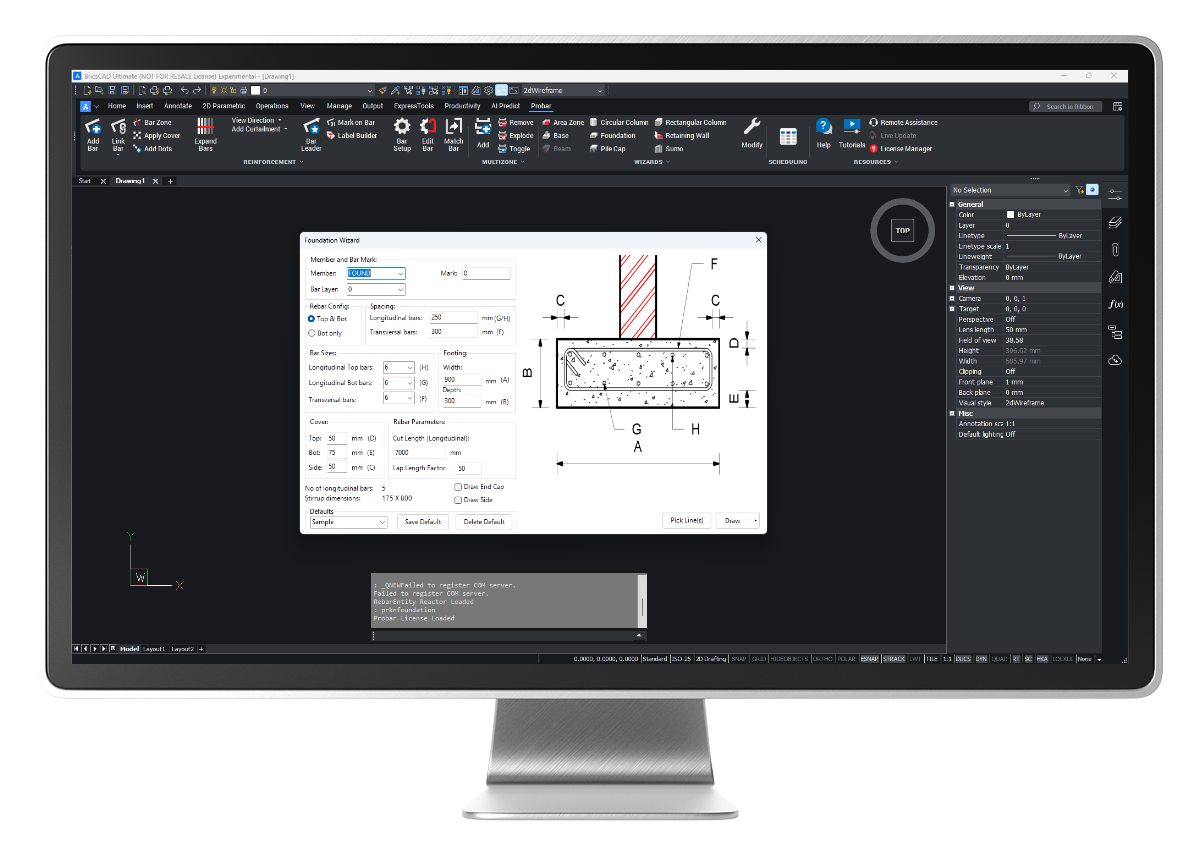
  • Input wizards

Benefits


No need for creating manual rebar shapes: Avoid the tedious task of creating rebar shapes manually
Accurate Placement: Ensure precise placement of rebar in your designs.

Quick Detailing: Utilize wizards for the rapid detailing of typical elements.
Effortless Scheduling: Automatically generate accurate rebar schedules.

If you’d like to learn more about what Probar for BricsCAD® can do for you, please contact us.

Key Features

  • Rebar Detailing: Probar allows for the efficient creation of detailed rebar drawings within BricsCAD®, supporting various rebar shapes and configurations.
  • Scheduling: The software can generate bar bending schedules (BBS) automatically from the detailed drawings, ensuring accurate and consistent rebar schedules that comply with industry standards.
  • Integration: Seamlessly integrates with BricsCAD®, providing a familiar user interface for those accustomed to CAD environments, and ensuring smooth workflow integration with other Prokon tools.
  • Customization: Users can customize rebar detailing to meet specific project requirements, including the definition of rebar shapes, dimensions, and other properties.
  • Automation: Automates repetitive tasks in rebar detailing, which increases productivity and reduces the likelihood of errors.
  • Compliance: Ensures compliance with local and international rebar detailing standards, making it suitable for use in various regions around the world.
  • Sharing and import of rebar shapes
  • Convert old text shape code lists to XML format

Overall, Probar for BricsCAD® streamlines the process of creating rebar drawings and schedules, making it a valuable tool for structural engineers and detailers working on reinforced concrete projects.

This powerful software is designed to revolutionize rebar detailing and scheduling within the BricsCAD® environment, bringing unparalleled efficiency and precision to your projects. More information on Probar can be found on the Bricsys blog.

Supported Design Codes

  • SANS 282 2004
  • SANS 282 2011
  • BS 8666 2005

Purchasing options

Choose between our comprehensive all-in-one solution PROKON 5.3 Complete and all the functionality you need to analyse, design and create detailing at a lower cost in PROKON 5.3 Essentials.

PROKON 5.3 Complete   PROKON 5.3 Essentials

Take the next step

We like to make it easy for engineers to get to know and love PROKON 5.3. Download our fourteen-day free trial and experience how easy it is to utilise all modules without restrictions or obligation to purchase. Purchase PROKON 5.3 online or contact one of our regional partners who can assist you with installation, training and technical support.

Secret Link